Essential Grid compatability
Add M360 Data as fields in Essential Grid
You can create as many custom data fields in Essential Grid as you want. This is example code that you can
put in your theme's functions.php.
Step 1: Add a list of custom fields to Essential Grid
First, add this filter to add your custom fields to the Layer Settings in Essential Grid:
add_filter('essgrid_post_meta_handle', 'essential_grid_m360_options');
function essential_grid_m360_options($post_options) {
	$post_options['m360_sale_state'] = ['name' => 'M360 Sale State'];
	$post_options['m360_unit_types'] = ['name' => 'M360 Unit Types'];
	$post_options['m360_description'] = ['name' => 'M360 Description'];
	return $post_options;
}
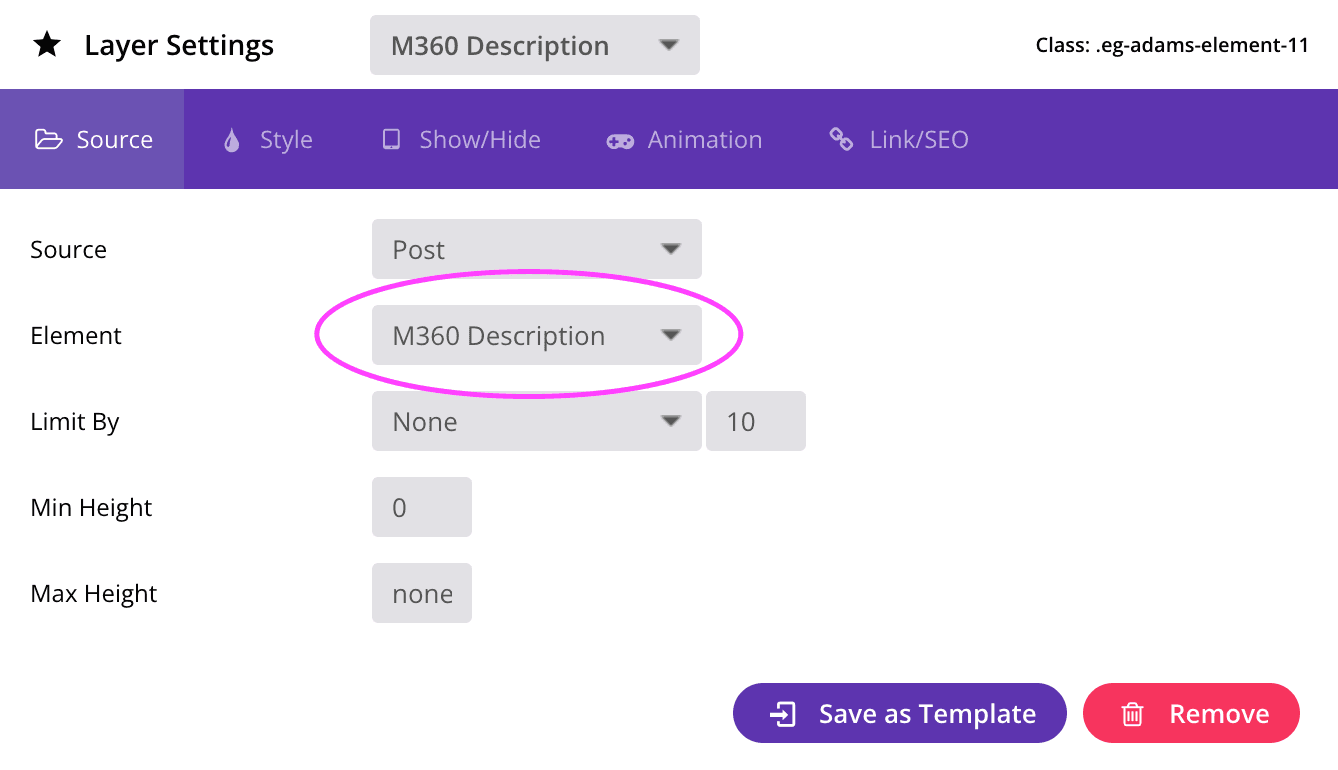
This will create three new fields that will show up in Essential Grid Item Skin Editor:
Step 2: Display M360 project data in the frontend grid
The second step is to determine what data to show when one of these fields are selected:
add_filter('essgrid_post_meta_content', 'essential_grid_m360_content', 10, 4);
function essential_grid_m360_content($meta_value, $meta, $post_id, $post) {
	if ($meta === 'm360_sale_state') {
			if ($post_id) {
					$projectData = get_post_meta($post_id, 'st_project_data', 'true');
					if ($projectData) {
							return '<div>' . $projectData->sale_state . '</div>';
					}
			}
	} else if ($meta === 'm360_unit_types') {
			if ($post_id) {
					$projectData = get_post_meta($post_id, 'st_project_data', 'true');
					if ($projectData && is_array($projectData->units_summary->all_units->unit_types)) {
							return '<div>' . implode(', ', $projectData->units_summary->all_units->unit_types) . '</div>';
					}
			}
	} else if ($meta === 'm360_description') {
			if ($post_id) {
					$projectData = get_post_meta($post_id, 'st_project_data', 'true');
					if ($projectData) {
							return '<div>' . $projectData->description . '</div>';
					}
			}
	}

	return $meta_value;
}